

Operator
My agent status
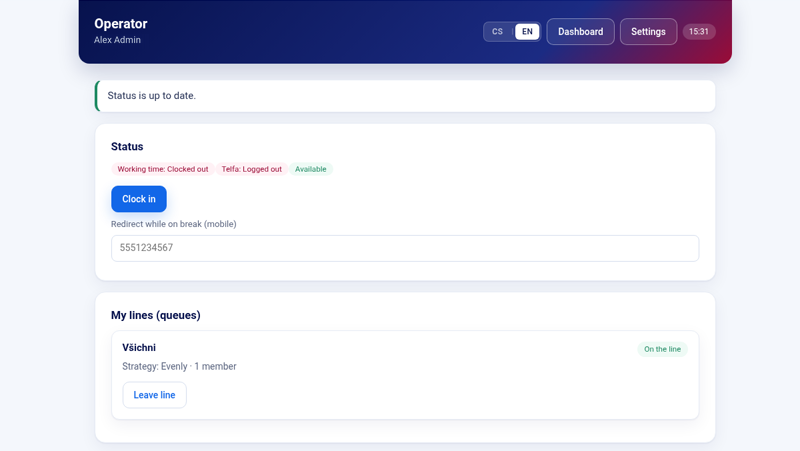
Open the operator panel from the app with «My agent status». At the top, «Status» shows working time and the Telfa state; below it is «My lines (queues)». «Clock in» and clock-out follow Bitrix24 working time and Telfa. A break in working time is sent to Telfa as well.
Telfa pause
«Telfa pause» is an extra pause inside Telfa. During that pause the app can redirect calls to the operator's mobile. When the pause ends, the previous redirect is restored.
The mobile number is masked on screen.
What I see
«Call overview» shows call statistics for the portal. An administrator opens it from the operator panel with «Dashboard». The call card itself opens from Bitrix24 when a call is offered to you. Who receives that card is set by an administrator under «Who sees the call card in Bitrix24».
Start page
An administrator adds «Operator panel on the start page» from the Bitrix24 start-page editor, section Other. The panel needs the start-page permission. On a portal installed before that permission existed, update or reinstall the Market version that asks for it. The panel shows the same status actions as «My agent status».
Open the panel from inside Bitrix24. A direct browser tab does not sign you in.